Mark-Lock
Place registration marks on original artwork, preserve physical size, and prepare print-to-cut alignment.
Open Mark-Lock →Prepare real artwork for production. Add registration marks, extract closed geometry, refine vectors and export cut paths at the intended physical scale.
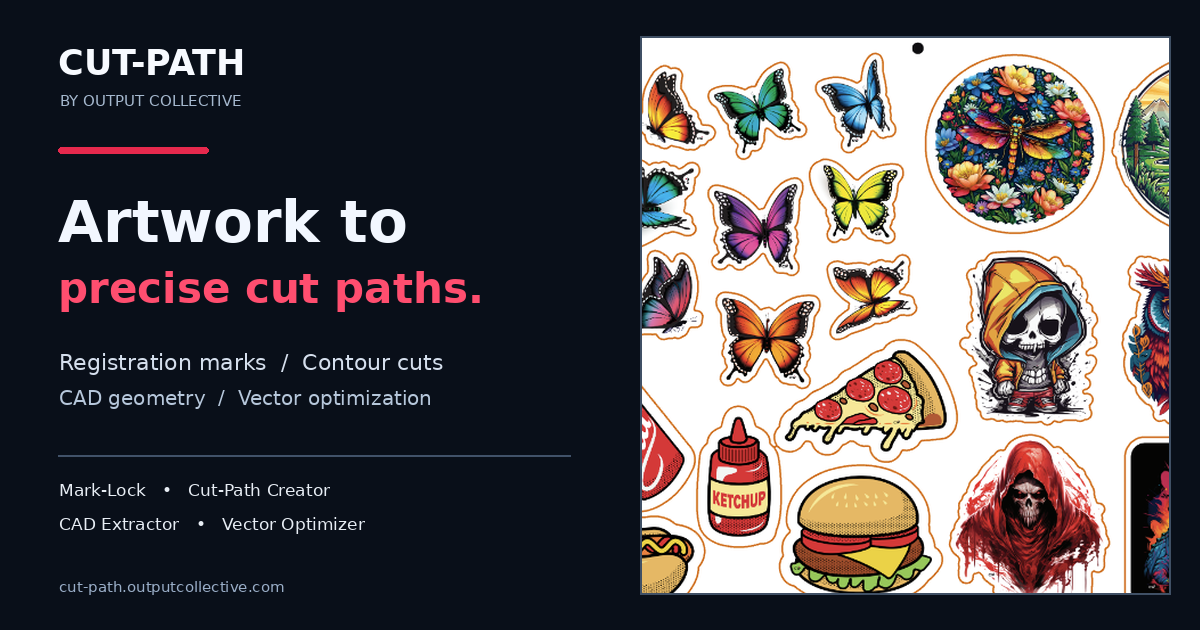
Each tool keeps its own workspace and document. Choose the operation you need, inspect the result, and export a reviewed file.
Place registration marks on original artwork, preserve physical size, and prepare print-to-cut alignment.
Open Mark-Lock →Trace artwork boundaries, choose offsets and corner finishes, refine locally, and export a named cut layer.
Create a cut path →Inspect PDF/DXF drawings, isolate part profiles and holes, confirm units, and export reviewed vectors.
Open CAD Extractor →Compare native paths, adjust curve complexity, preserve protected geometry, and review export differences.
Optimize vectors →Open your artwork or drawing. Confirm its intended dimensions and units.
Add marks, isolate profiles or generate cut paths. Review every contour and opening.
Export the appropriate PDF or DXF and verify scale and layers in the receiving software.
Approved partner layouts and validated training files will be published with source attribution, units, matching cut paths and usage permissions. No proprietary test drawings are offered for download without authorization.
Import the source artwork into Cut-Path Creator, confirm physical size, generate a candidate dieline, inspect the outside contour and internal openings, then export the required cut format.
Mark-Lock adds registration marks to artwork for print-to-cut alignment. Keep these marks separate from contour generation to avoid cutting around the marks or their halos.
Check units of measure before saving PDF or exporting DXF. Save PDF at 100% and import DXF using the selected export units, without fitting to the artboard. Measure a known dimension in the receiving software before cutting.
PDF optional-content layers and Illustrator layers are different. Use the studio’s Illustrator layer helper when Illustrator merges PDF layers. For paired print-and-cut work, verify registration placement and a known dimension in both files.
CAD Extractor can help isolate the desired profile and closed holes. Dimensions, scale and source geometry must be reviewed before manufacturing.
We are preparing an approved partner sample library and a future registration pathway. Public registration will open after privacy, verification and access controls are ready.